Connected Cars, Exposed Defaults: A Driver's Guide to Privacy and Keyless-Entry Risk
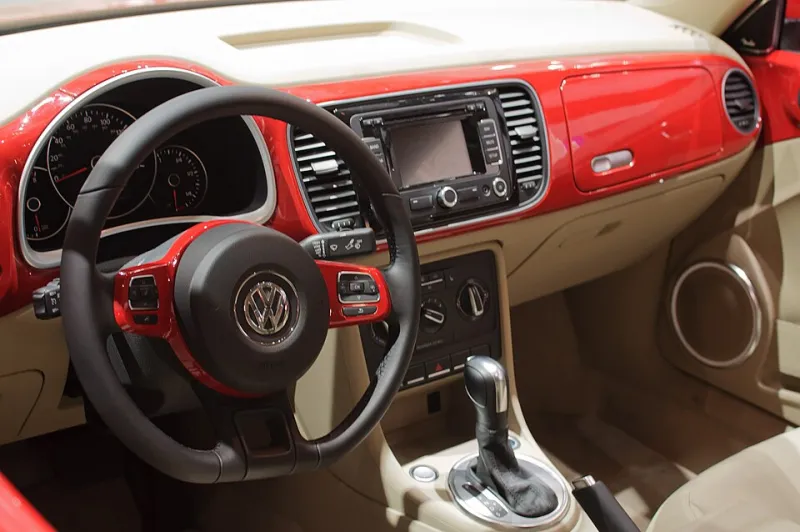
Photo: skinnylawyer from Los Angeles, California, USA, CC BY-SA 2.0, via Wikimedia Commons
A modern vehicle is often described as a smartphone on wheels, and the comparison is useful. The car has an operating system, a cellular connection, a growing set of sensors, and a companion app that can lock doors, start the engine, and report location. Each of those features is convenient. Each also creates a surface that drivers should understand before they hand over more data or more control than they intended.
Owners do not need to become automotive engineers to reduce risk. They need a checklist that covers the places where convenience quietly becomes exposure: the phone app, the update settings, the data-sharing menu, and the key fob.
The companion app is often the weakest link
A vehicle companion app can be as sensitive as a banking app. It may hold location history, remote-start privileges, and personal details. Yet many drivers reuse an old password or share an account with a spouse, a teenager, or a former owner. Start with a unique password stored in a password manager. Enable multi-factor authentication if the manufacturer offers it. Then review who has access: remove former drivers, revoke old devices, and confirm that every active user still needs remote control.
Audit app permissions on the phone as well. Location access is central to many features, but contacts, microphone, and notification access may not be necessary. Deny what the app does not need, and review permissions after major phone or vehicle software updates.
Over-the-air updates: convenience with a gap
Automakers increasingly ship software fixes over the air, but not every vehicle receives them on the same schedule. A gap can leave known vulnerabilities unpatched. Check the vehicle's software update menu, enable automatic updates where available, and respond to recall notices. If the car requires a dealer visit, schedule it rather than postponing it. A recall related to backup cameras or infotainment software may sound minor, but the same connected systems can be part of a broader attack surface.
Data-sharing defaults: the privacy bill arrives quietly
Connected vehicles collect location history, driving behavior, voice commands, paired phone contacts, and sometimes camera footage. Privacy dashboards vary by manufacturer, and the default settings often favor data collection. Review them at purchase and after major software updates. Opt out of marketing-sharing where possible, delete voice recordings, and think carefully before enrolling in usage-based insurance programs that trade driving data for a discount. The discount may be real; so is the data trail.
Keyless entry and relay attacks
Keyless-entry relay attacks use two devices to extend the signal from a key fob inside a home to a car parked outside. The car believes the fob is nearby and unlocks. The technique is not new, but it remains effective against vehicles that rely on passive entry without additional safeguards.
Mitigations are practical. Store fobs in a signal-blocking pouch when at home. Disable passive entry if the vehicle allows it. Enable a PIN-to-drive feature if available. Keep fobs away from exterior doors and windows. Install software updates that address keyless-entry weaknesses. A steering-wheel lock is a visible deterrent, not a technical fix, but it can make a targeted vehicle less attractive.
A driver's checklist
- Use a unique password and multi-factor authentication for the companion app.
- Remove former drivers and review app permissions on every paired phone.
- Enable automatic software updates and respond to recall notices.
- Review data-sharing settings quarterly, including voice and location history.
- Store key fobs in signal-blocking pouches and disable passive entry if practical.
- Enable PIN-to-drive or other secondary authentication where offered.
- Protect the phone that acts as a key with a screen lock, timely updates, and reputable mobile security such as Norton Mobile Security.
- Treat the home Wi-Fi as part of the car's perimeter; change default router credentials and keep firmware current.
Deciding which conveniences are worth the exposure
Remote start, digital keys, teen-driver alerts, and usage-based insurance all trade data or control for convenience. The right answer depends on household risk. A driver who parks on a city street may value passive entry less than a driver in a rural area. A family with a new driver may accept location sharing. The point is to make the trade consciously rather than accepting every default.
Where NortonShield Pro draws the line
At NortonShield Pro, we treat the connected car as an extension of the home network. The phone that unlocks the car should be protected like any other credential-bearing device. A layered approach, including strong app credentials, timely updates, privacy defaults reviewed on a calendar, and reputable security software, does not eliminate risk. It does close the easiest doors.